Starting a New Job? Your Tax Checklist
By TaxHelper Editorial · Last updated 11/06/2026
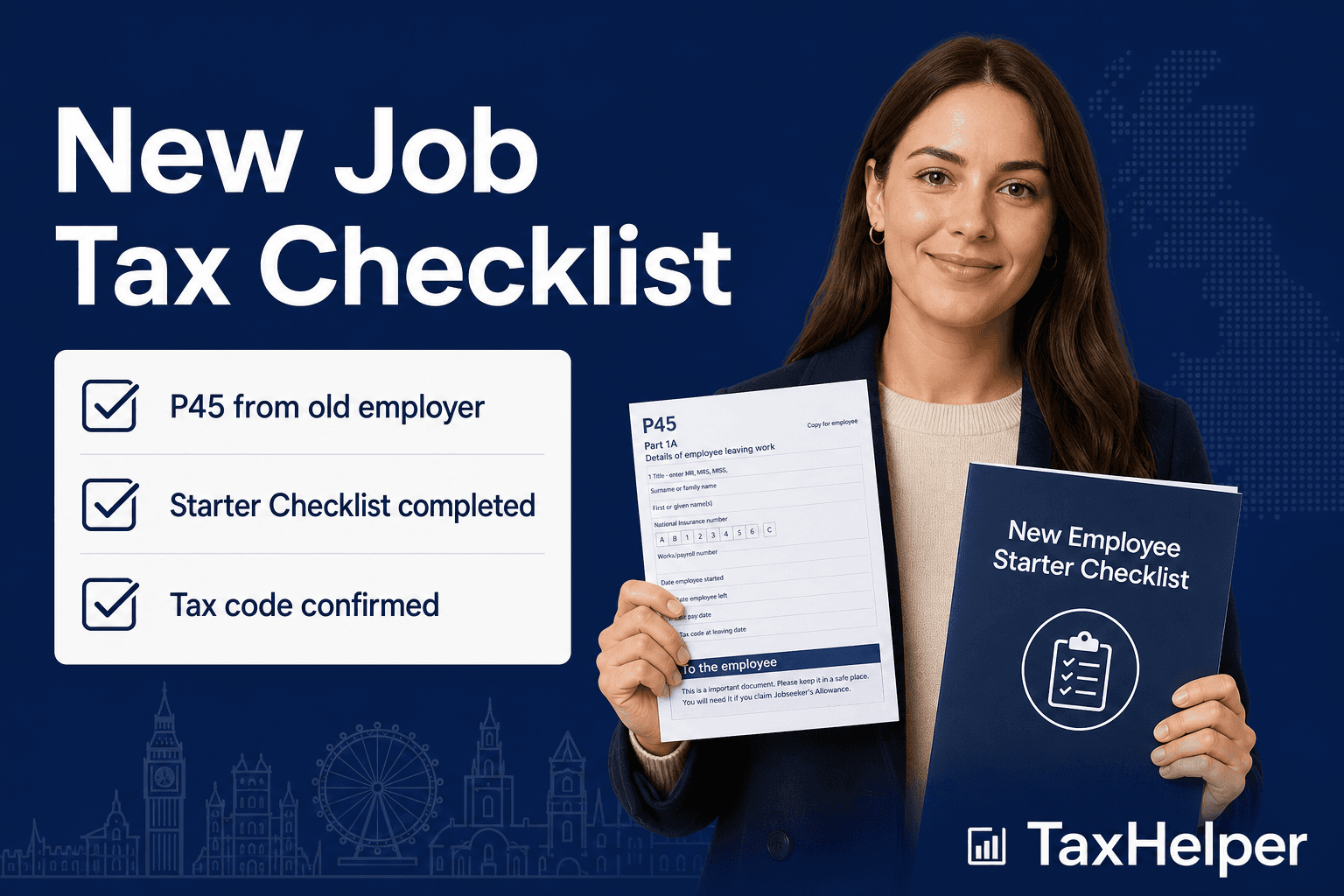
Starting a new job is exciting — but get the tax admin wrong on day one and you could spend weeks on an emergency tax code, overpaying hundreds of pounds. Here is everything to check before your first payslip arrives.
Step 1: Find Your P45 Before You Start
A P45 is the document your previous employer issues when you leave. It has four parts and shows:
- Your gross pay from that employer since 6 April
- The total income tax deducted
- Your leaving date and final tax code
You hand parts 2 and 3 to your new employer's payroll department. They enter the figures into their payroll software, HMRC updates your record, and you should receive a correct cumulative tax code on your first payslip.
Keep part 1 of your P45 — you may need it for a Self Assessment return or benefits claim.
If you cannot get a P45 because your previous employer has gone into administration, or because you have lost it, tell your new employer immediately. They will give you a Starter Checklist instead (see Step 2).
Step 2: Complete the Starter Checklist Correctly
If you have no P45 (first ever job, gap in employment, returning from abroad), your new employer gives you a Starter Checklist (previously called a P46). It has three statements — you must tick the one that applies to you:
| Statement | Situation | Resulting code |
|---|---|---|
| A | This is your first job since 6 April and you have not been receiving a taxable state benefit | 1257L (cumulative) — correct for most people |
| B | This is your only job but you receive a state pension or have had another job since 6 April | 1257L M1 (non-cumulative) — temporary |
| C | You have another job or receive a pension alongside this one | BR — 20% on all earnings, no personal allowance |
Ticking the wrong statement is the most common cause of emergency taxation. The most common mistake is ticking C when you mean A, resulting in BR on what should be your only job. If you are unsure, ask your new employer's payroll team — not your manager.
Step 3: Verify Your First Payslip
When your first payslip arrives, check three things:
- Tax code — should be 1257L (or 1257L M1 if you had no P45, temporarily). If you see BR, 0T, or 1257L W1/M1 after several weeks, act immediately.
- Gross pay — confirm it matches your contracted salary (pro-rated if you started mid-month).
- Tax deducted — use our salary calculator to verify. Enter your gross pay and tax code. If the actual deduction is significantly higher than expected, you are likely on an emergency code.
Step 4: What to Do If You Are on the Wrong Code
If your code is wrong after the first payslip:
- Speak to your employer's payroll team first — they can sometimes request a code update from HMRC directly
- Log into your Personal Tax Account and update your employment information — HMRC will issue a corrected code to your employer within days
- Call HMRC on 0300 200 3300 with your NI number and employer's PAYE reference (on your payslip)
Once the correct cumulative code is issued, your employer will automatically refund any overpaid tax in your next payslip. You do not need to do anything else.
Step 5: Update HMRC if You Have a Second Job
If this is a second or third employment, you do not get a second Personal Allowance. Your main employer keeps 1257L; your second employer should use BR or D0 (40%) depending on whether your combined income crosses the higher-rate threshold.
HMRC needs to know about all your employments to issue the correct codes. Update your details via your Personal Tax Account or call the helpline. Failing to tell HMRC about multiple jobs can result in you underpaying tax, which HMRC will collect later — often through a reduced tax code the following year.
Quick Checklist Summary
- ✓ P45 obtained from previous employer and handed to new payroll
- ✓ Starter Checklist completed with correct statement (A, B or C)
- ✓ First payslip checked against salary calculator
- ✓ Tax code confirmed as 1257L (cumulative) or acceptable variant
- ✓ NI category confirmed as A (standard) — not B or C unless you qualify
- ✓ HMRC updated about second job if applicable
- ✓ Personal Tax Account access set up for future code monitoring
See also: emergency tax code guide and our tax code checker tool.